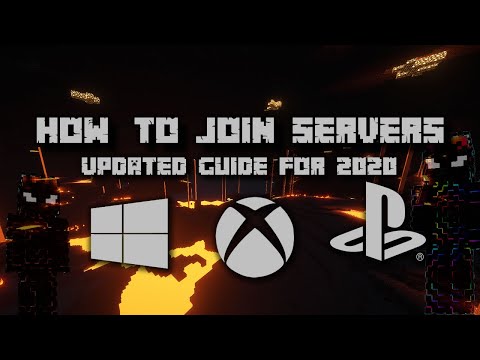
The Minecraft Marketplace is usually a paid store, but there's actually a whole section of completely free skins hidden inside it. You don't need any Minecoins and you don't need Xbox Game Pass. Danny breaks it all down in the video below — and in 2026, there are even more free options than when this guide was first posted.
Watch the full video for the easiest walkthrough — works on all platforms in 2026.
How to Find Free Skins in the Minecraft Marketplace
- Open Minecraft Bedrock on any platform
- Go to the Marketplace tab
- Use the search bar and filter by Free — or look for the "0 Minecoins" tag on items
- Click a skin pack you like
- Click Get — you won't be charged anything
- Apply the skin from Wardrobe → My Stuff
Also Check: Creator Marketplace Skins
Danny's creator code Danny0117 supports him every time you buy from the Marketplace at no extra cost to you. If you're going to buy anything, use it:
Enter this in the Minecraft Marketplace before purchasing. It doesn't add any cost to your purchase — it just gives Danny a cut directly from Microsoft. Thank you!
Free Skin Options Without the Marketplace
- Classic Skins — When you first set up Minecraft, you get to choose from a set of classic skins (Steve, Alex, Ari, Kai, Makena, etc.) — these are always free
- Xbox Game Pass skin packs — If you have Xbox Game Pass, check your Microsoft Rewards and member benefits for free skin drops
- Custom Skins (Java Edition) — If you're on Java Edition, you can upload any custom skin for free from minecraft.net
Can I Use Custom Skins on Bedrock (Console)?
Unfortunately, fully custom skin uploads are only available on Bedrock for PC and Mobile. On Xbox, PlayStation, and Nintendo Switch, you're limited to:
- Classic skins (always free)
- Marketplace packs (free or paid)
- Game Pass benefits
Got questions about Minecraft skins or the Marketplace? Jump in the Discord — Danny and the community are super helpful!
Subscribe to Dannny0117 Join the Discord